Built for Gaming
Everything to showcase your FiveM server.
Gaming Theme
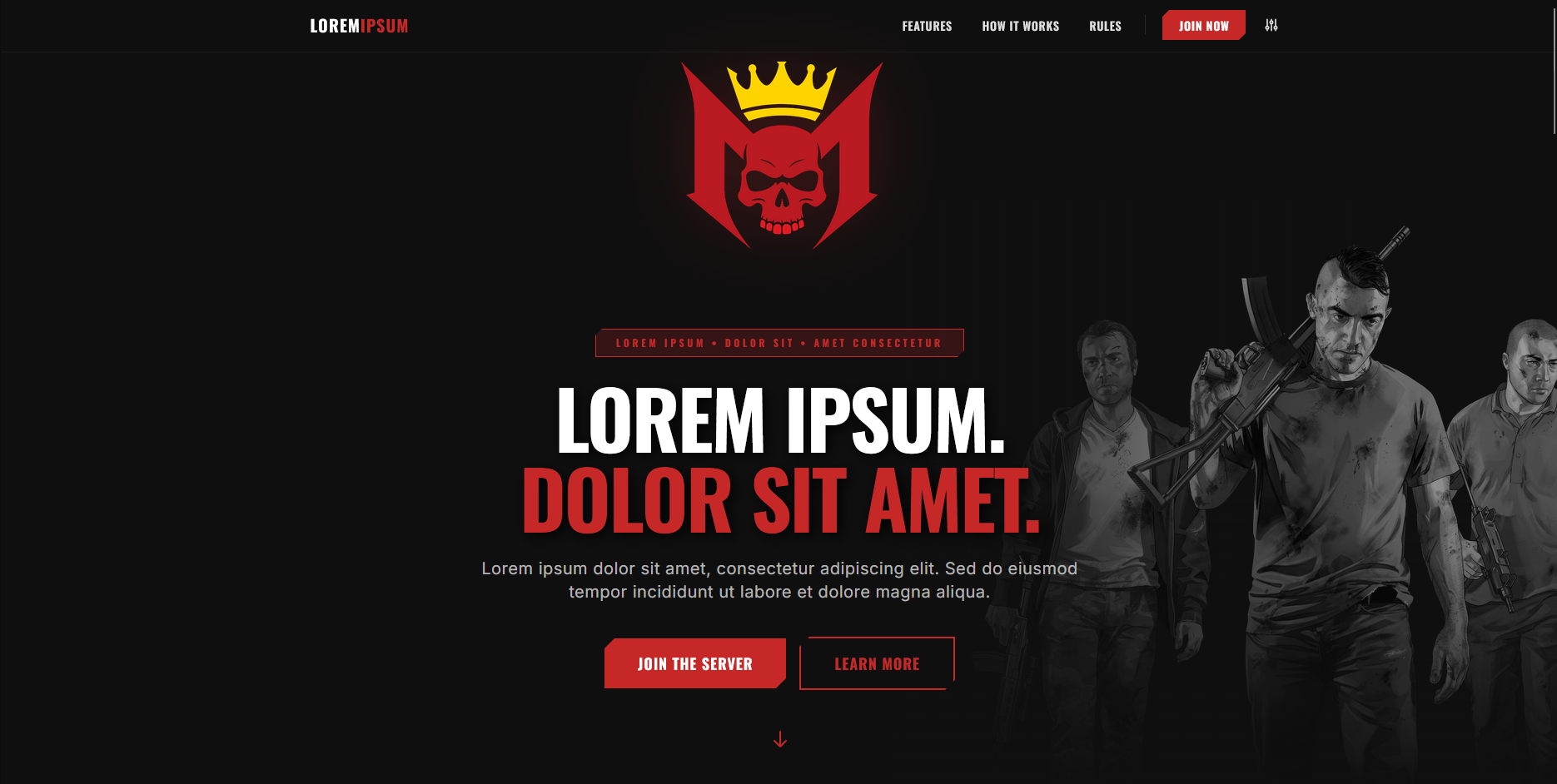
Dark design for GTA V and FiveM servers
Animations
Smooth transitions throughout
Product Modal
3D modal system for features
Admin Panel
Complete admin dashboard
Server Stats
Player count and status display
Discord
Embed Discord server info
What's Included
Complete Source Code
Admin Dashboard
Modal System
Database
Server Stats
Discord Integration
Mobile Responsive
Documentation
Lifetime Updates
6 Months Support
Ready to Launch?
Create a professional landing page for players.
Complete Feature List
Everything included in this template
Gaming Theme
Dark design for GTA V and FiveM servers
Animations
Smooth transitions throughout
Product Modal
3D modal system for features
Admin Panel
Complete admin dashboard
Server Stats
Player count and status display
Discord
Embed Discord server info
Demo & Screenshots
See the template in action
Installation Guide
Get up and running in minutes
Download & Extract
After purchase, download the ZIP file and extract it to your desired location.
unzip template.zip
cd template/
Set Up Database
Create a MySQL database and import the provided SQL file.
CREATE DATABASE template_db;
USE template_db;
# Import schema
SOURCE database/schema.sql;
Configure Database Connection
Update the configuration file with your database credentials.
define('DB_HOST', 'localhost');
define('DB_NAME', 'template_db');
define('DB_USER', 'your_username');
define('DB_PASS', 'your_password');
Upload & Test
Upload all files to your web server and test the installation.
Required PHP Version: 7.4 or higher
Required Extensions: PDO, PDO_MySQL
Recommended: mod_rewrite enabled
Customization Guide
Make it your own with easy customization options
🎨 Colors & Branding
All colors are defined using CSS variables for easy customization.
:root {
--color-primary: #c62828;
--color-primary-dark: #b71c1c;
--color-primary-light: #e53935;
}
Content Editing
Update page content directly through the admin panel or by editing PHP files.
Admin Panel
Access /admin/ to manage products, categories, and content
Direct Editing
Edit PHP files directly for full control over layout and content
Images & Assets
Replace images in the assets folder to customize visual elements.
- • Product images:
assets/products/ - • Logo files:
assets/logo.png - • Background images:
assets/bg/
Technology Stack
Built with modern, reliable technologies
HTML5
CSS3
JavaScript
PHP 7.4+
MySQL 5.7+
Custom Animations
Documentation
Complete reference guide
Getting Started
Learn the basics of setting up and configuring your template
View Installation GuideCustomization
Customize colors, fonts, layouts, and content to match your brand
View Customization GuideTechnology Stack
Built with modern, reliable technologies
HTML5
CSS3
JavaScript
PHP 7.4+
MySQL 5.7+
Custom Animations
Frequently Asked Questions
Find answers to common questions